Moves you've learned, back in your head, effortlessly.
No more notes gathering dust.
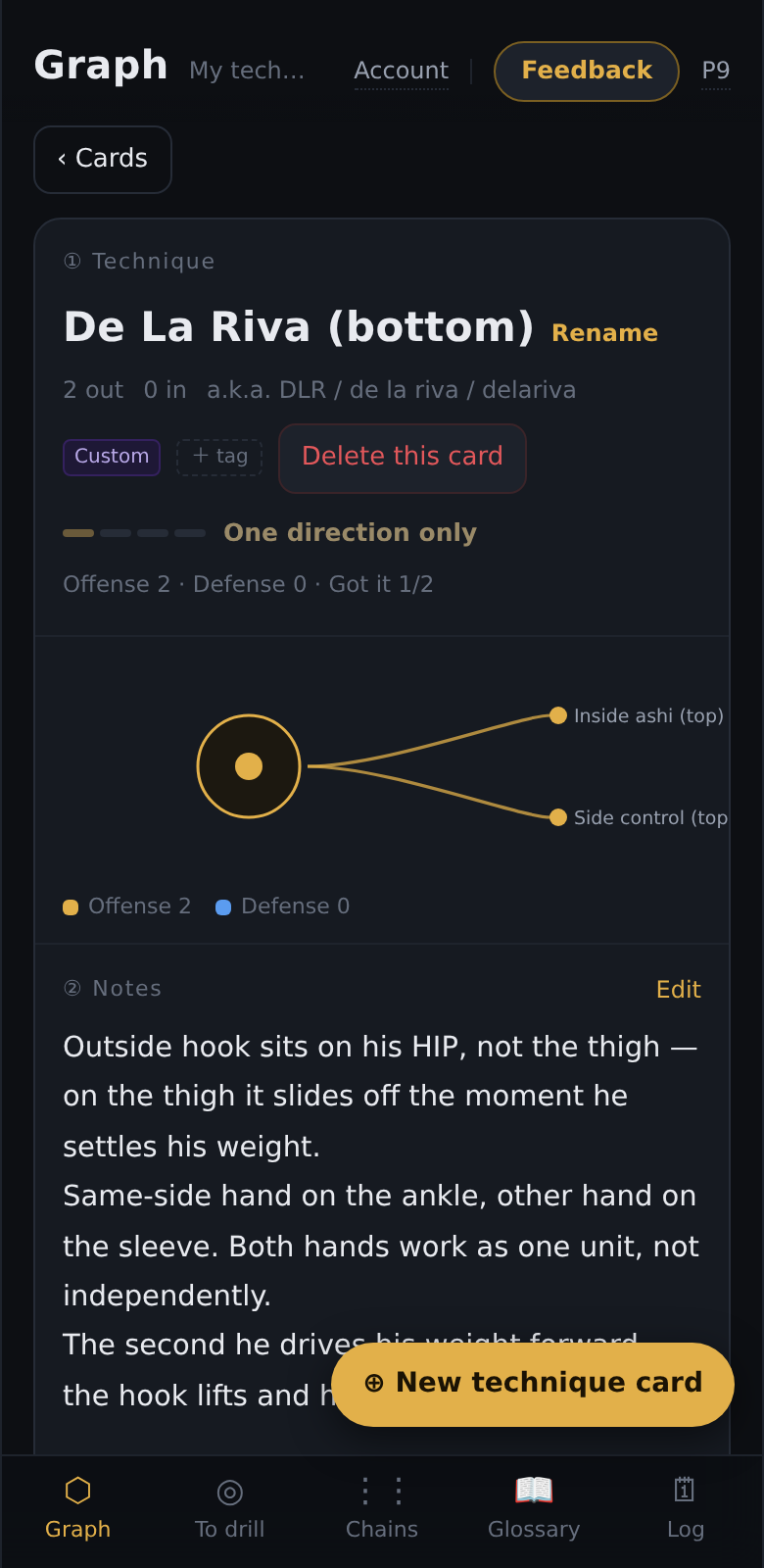
One skill card per position, in your own words. Jot it down fast in class, or use voice typing instead of typing. Flip through before training to refresh, and open your skill tree any time to see what you know at a glance — no thinking, no hassle, no effort.
For the practitioner who keeps meeting the same problem
- You remember the name of a move but forget the grip, angle, or timing that made it work.
- You rewatch an entire round but finish with no clear problem to work on.
- The same bad position appears again next week, separate from your notes and forgotten.
- You collect more techniques while the same personal mistake keeps deciding your rounds.
Effortless, so you actually keep using it
Capture fast. Review without effort.
Jot it down in class — or say it out loud — and flip through before training so it comes back. No digging through dozens of notes, no rewatching an hour of video.
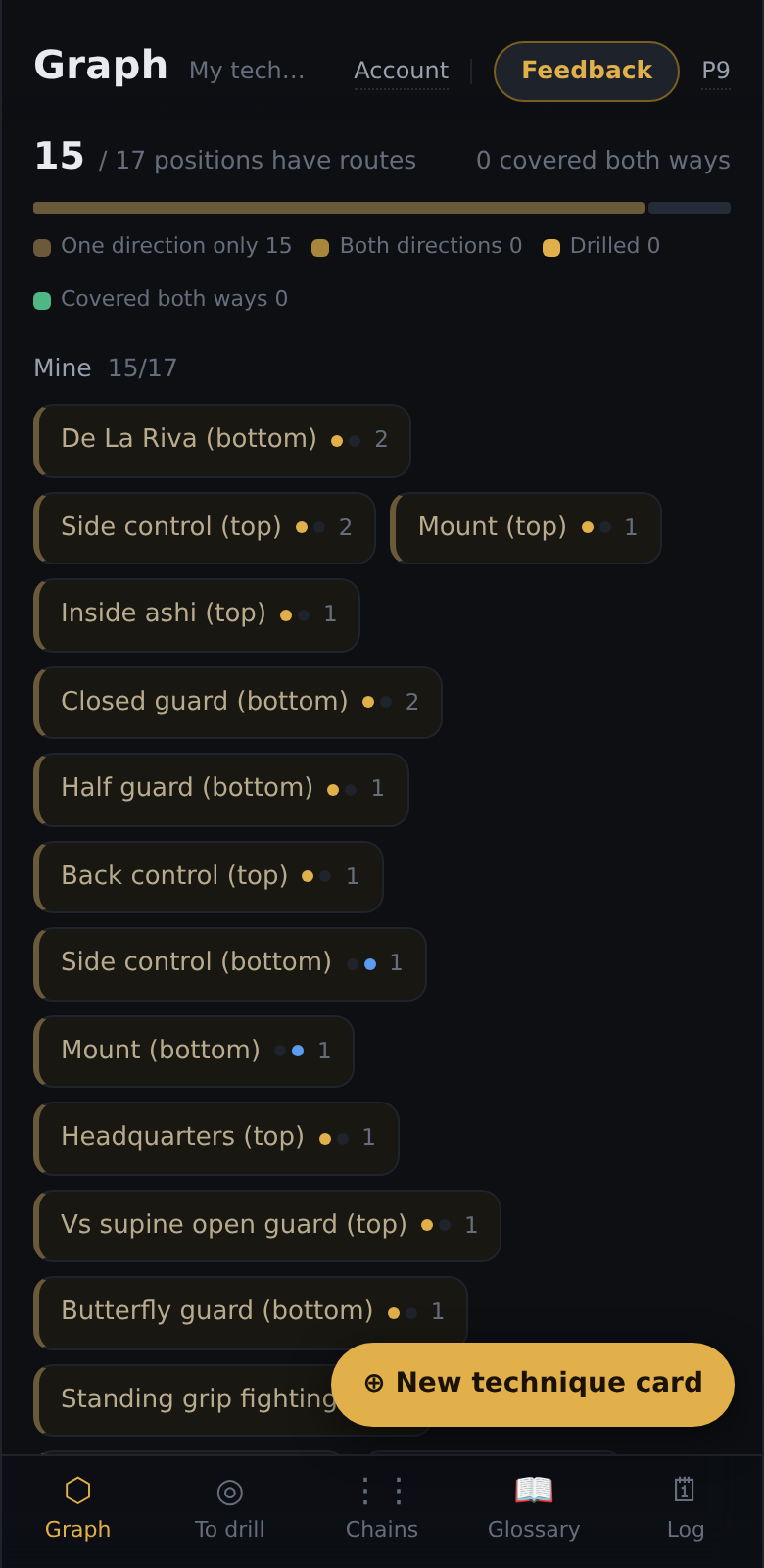
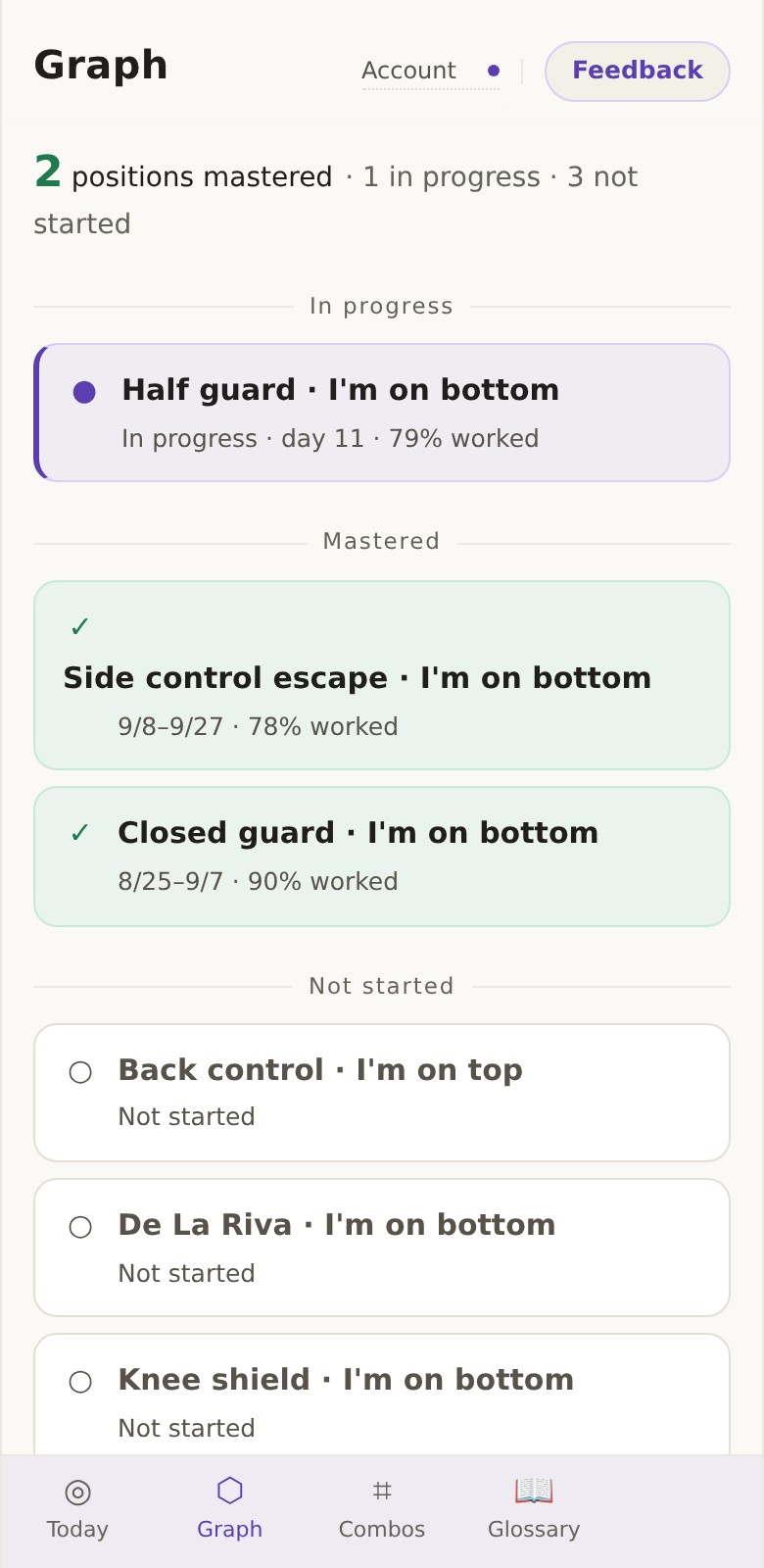
See your skill tree anytime
What you know, what you're working on, and what's still blank — one screen, no guessing.
Go after one problem that keeps beating you
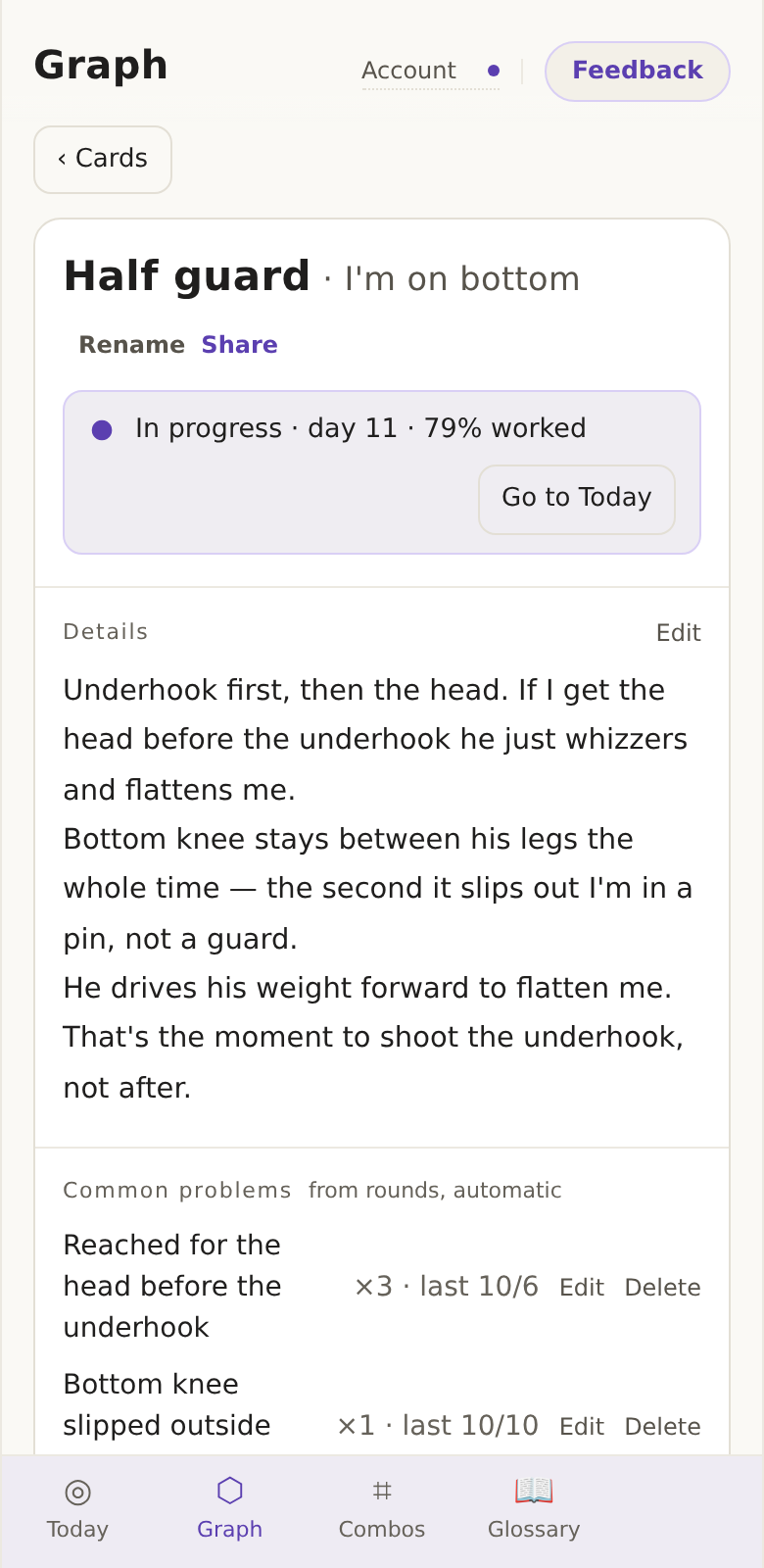
Positional sparring with a built-in round timer. Tap ✗ and write down why; the repeat count shows where you're stuck.
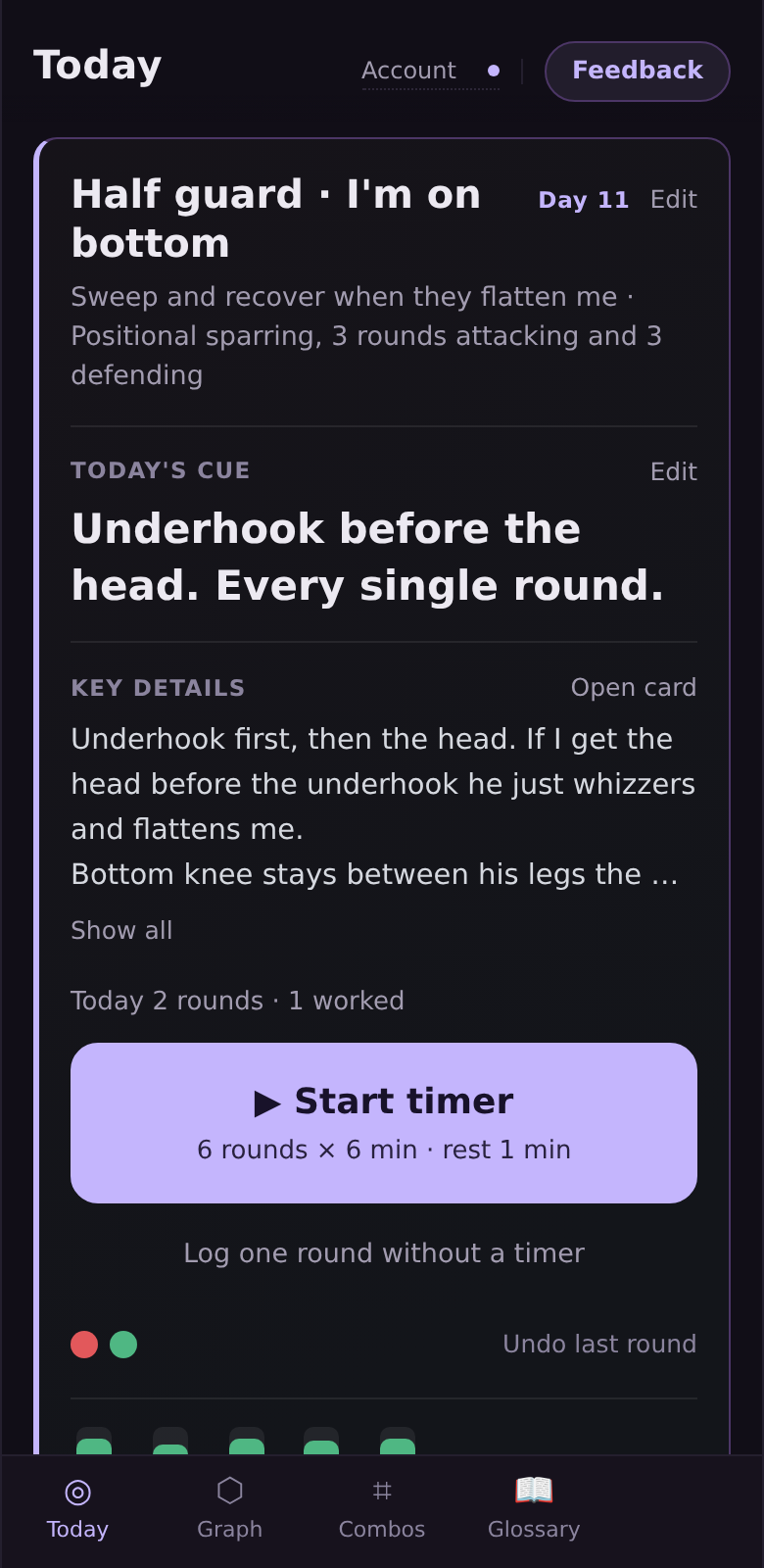
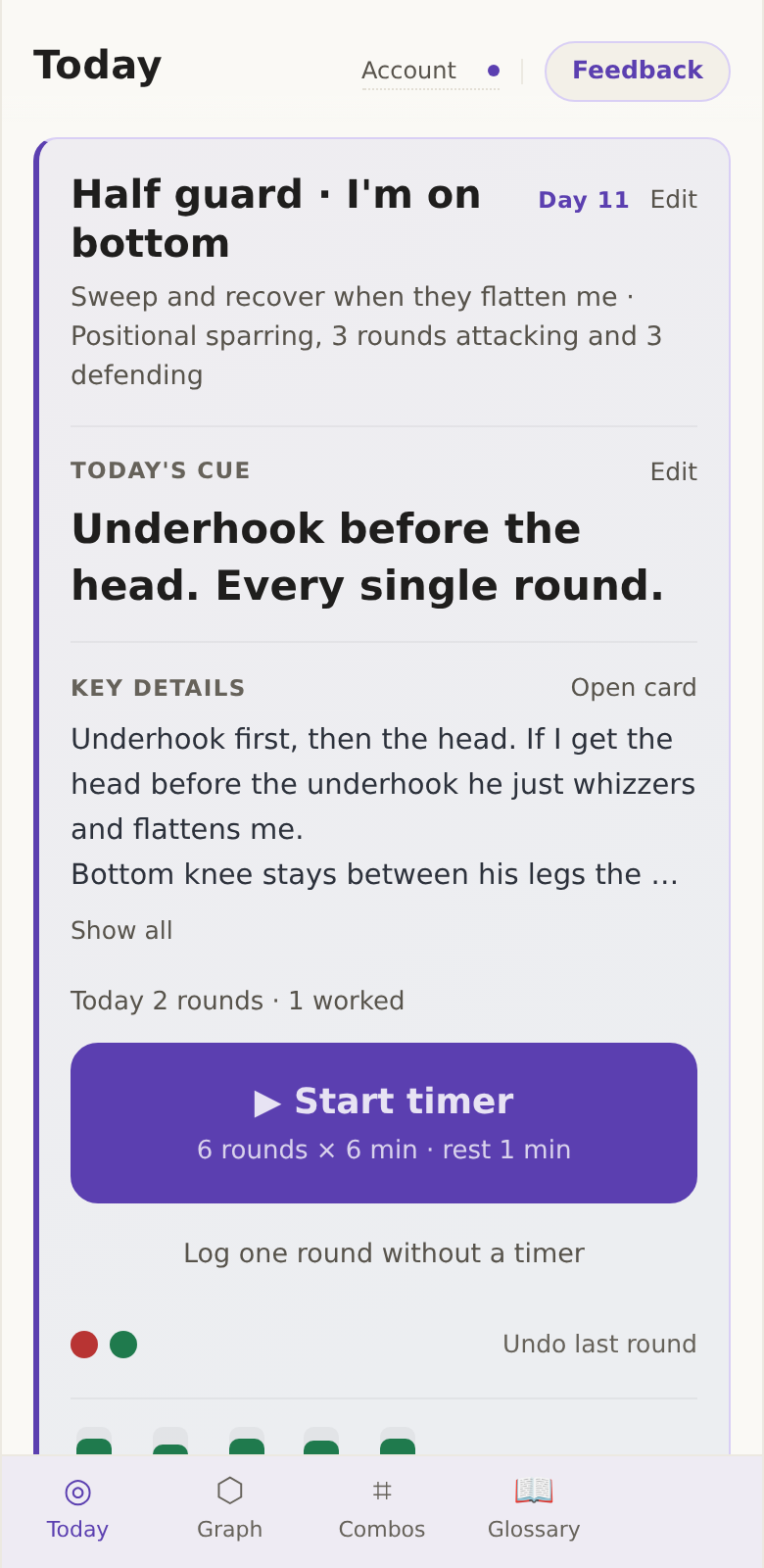
Also: training calendar · one-tap share image · combo board · photos on cards · export or delete all your data
Three steps to start
What it isn't
Price
Try the loop free on eight positions. Pay when it's the thing you open before every class.
- 8 position cards
- Block goals, round timer, and problem logging
- Skill tree and training calendar
- Photos on your cards
- Export your cards, notes and photos
- Unlimited position cards
- Sync across your devices
- Text and photos on your cards
- Export your cards, notes and photos
Start free with 8 cards. Early member price: it stays the same while your subscription stays active (details). Video review is priced separately and is not included in Basic.
Start with 8 free cardsStraight answers
Do I need to download an app?
No. It runs in your phone's browser, so there's nothing to install and no storage used. For an icon on your home screen, use the browser's Share or ⋮ menu and choose "Add to Home Screen". It then opens with one tap and keeps working with no signal. Whether to build a native app depends on what people tell me they need.
Where does my data live?
Everything you write is stored on your phone first, so the app keeps working in a gym with no signal. Free accounts sync up to eight position cards and their notes and photos. Extra cards stay on this device until a subscription unlocks sync. Local round videos do not sync. Save a backup before signing out or clearing browser data.
Is this a video app?
No. You can record a single round from the timer if you want to, and the clip stays on your phone. Video review is a separate product and is not included in Basic. The focus here is your skill cards, your skill tree, the round timer and the round log.
How does voice input work?
The mic button next to each note field uses your phone browser's built-in speech-to-text. It needs a connection, and if your browser doesn't support it the button simply doesn't show — your keyboard's own mic works either way. BJJ Sequence never receives or stores the audio, only the text you choose to save.
Can I get my data out?
Yes, and I'd rather you could. One button exports cards, notes and attached photos as a zip, with your photos sorted into a folder per technique. Local round recordings are not included, so save those videos separately. One button deletes everything I hold about you, permanently.
Who's building this?
One person, a white belt training three or four times a week, who got tired of a notes app full of moves he never used. It's built in the open and it's early — you'll find rough edges, and the Feedback button goes straight to me.
Is the reference content reliable?
The glossary of positions and common options is a starting scaffold compiled from public sources and not expert-reviewed. Treat it as a prompt, not as instruction. Your own cards are the source of truth.
Make your first position card today
Pick the position you keep losing. Write a few key points in your own words, and flip through them before your next class.
Make your first card — free